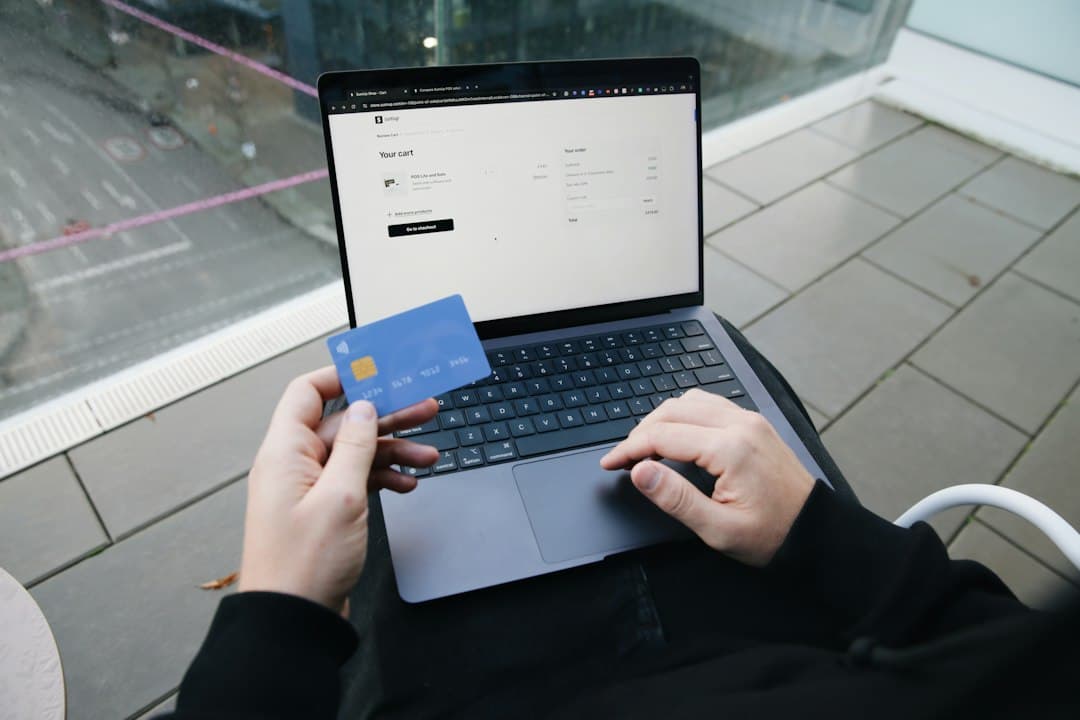
You want to book a flight online from Thailand with a card issued in another country. This article shows you which cards an airline like Thai Airways accepts, which currency the price is billed in, and which fees may show up on your statement. You will also learn which airport tax is added on departure and how to react if your payment is declined or flagged.
Cards accepted and declined by the airline
At Thai Airways, an e-ticket is bought online with a Visa or Mastercard credit or debit card, subject to the policy of your issuing bank[1]. Visa and Mastercard are therefore the cards to prefer.
Other cards are mentioned: American Express, JCB, UnionPay and UATP. However, they are not available in every departure city[1]. If you are counting on one of them, try it before committing, or keep a Visa or Mastercard as a backup.
Three types of cards are refused: virtual cards, e-credit or e-debit cards, and corporate cards[1]. A virtual card generated by a banking app will therefore not go through well for a ticket purchase.
Thai Airways also offers payment by Visa or Mastercard QR code. It is paid by scanning the code with apps such as KTC Tab, SCB Easy, Uchoose or Citibank TH[1]. These are Thai banking apps: without a local account, this is not a realistic option for you.
If your bank declines the online payment, the airline recommends trying another card or contacting the card issuer[1].
Which Currency to Choose When Paying
For a trip starting in Thailand, the ticket is billed in the local currency of the departure point: fares, applicable taxes and surcharges are debited from your card automatically[1]. In practice, a flight departing from Bangkok is paid in baht. You do not choose the billing currency: your bank then converts it into the currency of your account.
The baht floats freely and is freely convertible for current transactions[2]. Before confirming, compare the final amount in baht with the exchange fees applied by your card, so you know what you will actually pay.
Bank Fees and Cross-Border Fees
Thai Airways states that it charges no merchant fees. Cross-border fees may however apply: Visa, Mastercard or your card's issuing bank may charge fees on any payment made outside the country where the card was issued, because the airline's online payment gateway is located in Thailand[3].
For a card issued in Europe, for example, the payment is processed in Thailand: these fees may therefore appear on your statement in addition to the exchange rate. Check your bank's terms to see how these transactions are charged.
Wise or Revolut: What Changes in Thailand
Wise lets you hold baht, receive local transfers using Thai bank details, and send money from Thailand. Revolut is available in the country, but without a baht account or local bank details[4].
For a ticket billed in baht, the difference lies mainly in how you manage your funds. A Wise account lets you hold baht, but depending on your card and your issuer, a conversion or fees may still apply at the time of payment; with Revolut, the conversion is made from another currency. Also remember that virtual cards are refused: use the physical card linked to your account[1].
Taxes and Fees to Expect When Departing from Thailand
Since June 19, 2026, the six airports run by Airports of Thailand (Suvarnabhumi, Don Mueang, Phuket, Chiang Mai, Hat Yai and Mae Fah Luang - Chiang Rai) apply a passenger charge of 1,120 baht per person on departure from an international flight[5].
The applicable taxes and surcharges are included in the fare billed for a trip starting in Thailand[1]. Before confirming, check that the total shown on the payment page fully includes everything. Baggage, seat selection and other options may be added to the base fare, depending on the package you choose.
Pitfalls and Watch-outs
- Anti-fraud check: the airline may require that the card be presented in person at its ticket office or at check-in for a transaction flagged by its system. If the verification fails, you can pay with another card or another payment method[1].
- Suspicious booking: if there is a high risk of fraudulent information, the airline may cancel or suspend access to its booking service at any time, without notice[1].
- Refunds: they are credited to the card used for payment, and refund fees may apply. With a debit card, the timeline may be longer than with a credit card, since it depends on the issuing bank[1].
- Declined authorization: some issuing banks do not allow online payments. Try another card or contact your bank[1].
Checklist Before You Pay
- Use a physical Visa or Mastercard, not a virtual card or a corporate card.
- Keep your card handy: it may be requested at the counter or at check-in.
- Notify or ask your bank about fees charged on payments made outside the country of issue.
- Check the total on the payment page in baht, including taxes and surcharges, and compare it with your card's foreign exchange fees.
- Have a second card ready in case the authorization is declined.
- Keep your booking confirmation, sent by email with the ticket number, for any refund request[1].
This article is limited to the payment, currency, and fees for an airline ticket. To compare agencies and booking platforms, or to estimate the real cost of your card, please consult their terms and those of your bank.
Sources
- 1.^ abcdefghijklmthaiairways.com — Cancellation & Refund Policy – Fare Rules | Thai Airways UK: “The electronic ticket can be purchased online; fares, applicable taxes, and surcharges, in the local currency of the place where the journey begins, are automatically charged to your Visa/MasterCard credit card or debit card, subject to the policy of the issuing bank.”; “American Express, JCB, UnionPay, and UATP: however, these credit card options are not available in all departure cities.”; “Payment by other cards, for example virtual credit/debit cards, e-credit/debit cards, or any other corporate card, is not accepted.” https://www.thaiairways.com/en-gb/content/reservation-ticketing-terms-and-conditions/ (accessed October 25, 2026)
- 2.^Mira Knowledge — The baht floats freely and is convertible without restriction for current transactions. Verified on 06/11/2026: official source bot.or.th. https://www.bot.or.th (accessed June 11, 2026)
- 3.^thaiairways.com — FAQs: Flight Booking & Check-In | Thai Airways: “No. Royal Orchid Holidays does not have a policy of charging merchant fees. However, additional cross-border fees may apply. Visa International or Mastercard and your card's issuing bank may charge fees on any payment made outside the card's country of issue, because our online payment gateway is located in Thailand.” https://www.thaiairways.com/en-th/content/help/faq/ (accessed October 25, 2026)
Show 2 more sourcesShow less
- 4.^Mira Knowledge — Wise allows you to hold baht and receive local transfers using Thai bank details, whereas Revolut is available in Thailand without a baht account or local bank details. Verified on 06/11/2026: reference source wise.com. https://wise.com/help/articles/2977950/why-does-it-say-my-transfers-complete-when-the-money-hasnt-arrived-yet (accessed June 11, 2026)
- 5.^aip.caat.or.th — AIC 04 26 THE ADJUSTMENT OF THE PASSENGER SERVICE CHARGE (PSC) AT SUVARNABHUMI AIRPORT, DON MUEANG AIRPORT, PHUKET AIRPORT, CHIANG MAI AIRPORT, HAT YAI AIRPORT AND MAE FAH LUANG - CHIANG RAI AIRPORT: “The six airports operated by Airports of Thailand (Suvarnabhumi, Don Mueang, Phuket, Chiang Mai, Hat Yai, and Mae Fah Luang - Chiang Rai) will adjust the passenger service charge for international departing passengers to 1,120 baht per person, in order to improve safety, efficiency, and services.” https://aip.caat.or.th/2026-06-19/html/eAIC/VT-eAIC-26-04-en-GB.html (accessed October 25, 2026)